Inside OwnerCDE
One platform, two environments, configured to the way your project is delivered.
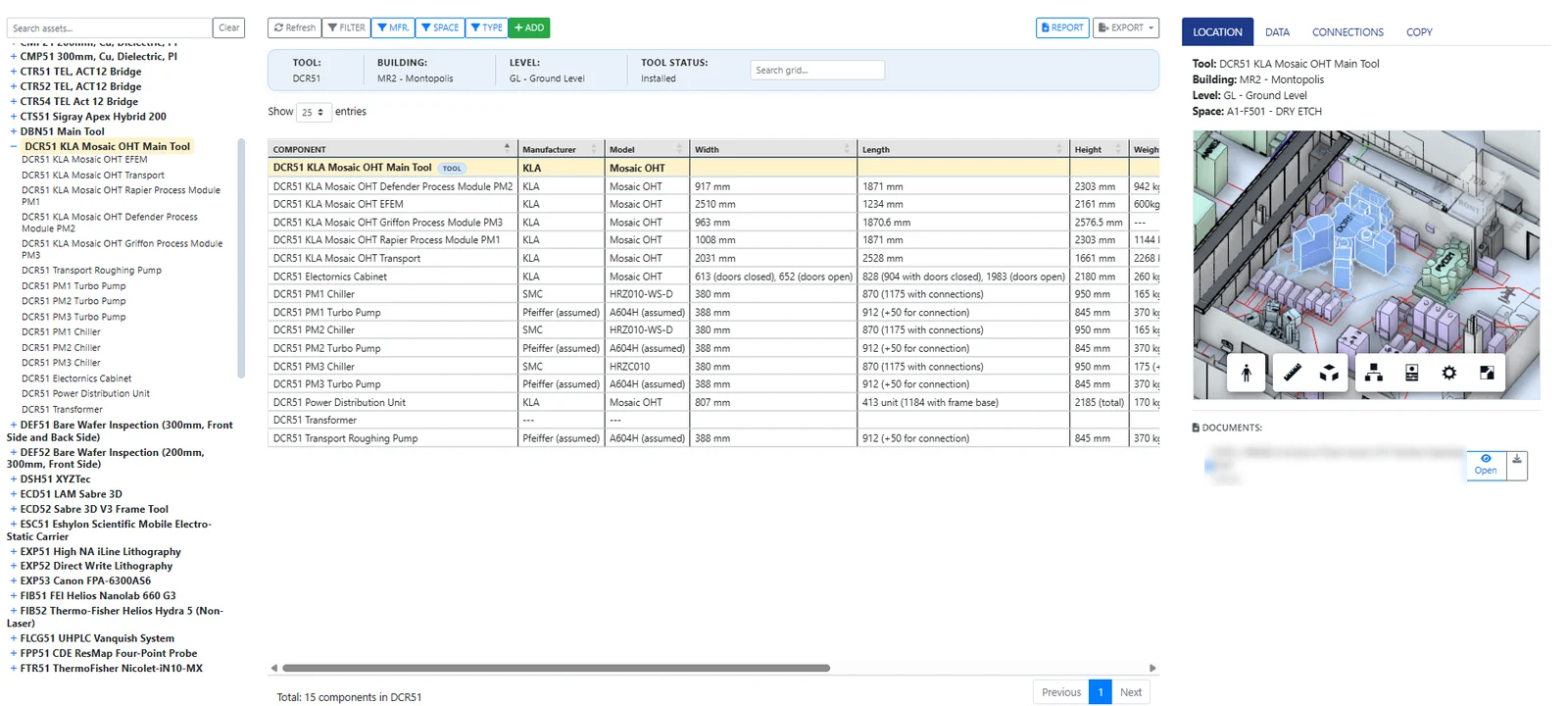
Tools environment
For semiconductor fabs and tool-intensive labs.
- Tools with their components and support equipment
- Tool points of connection linked to facility utilities
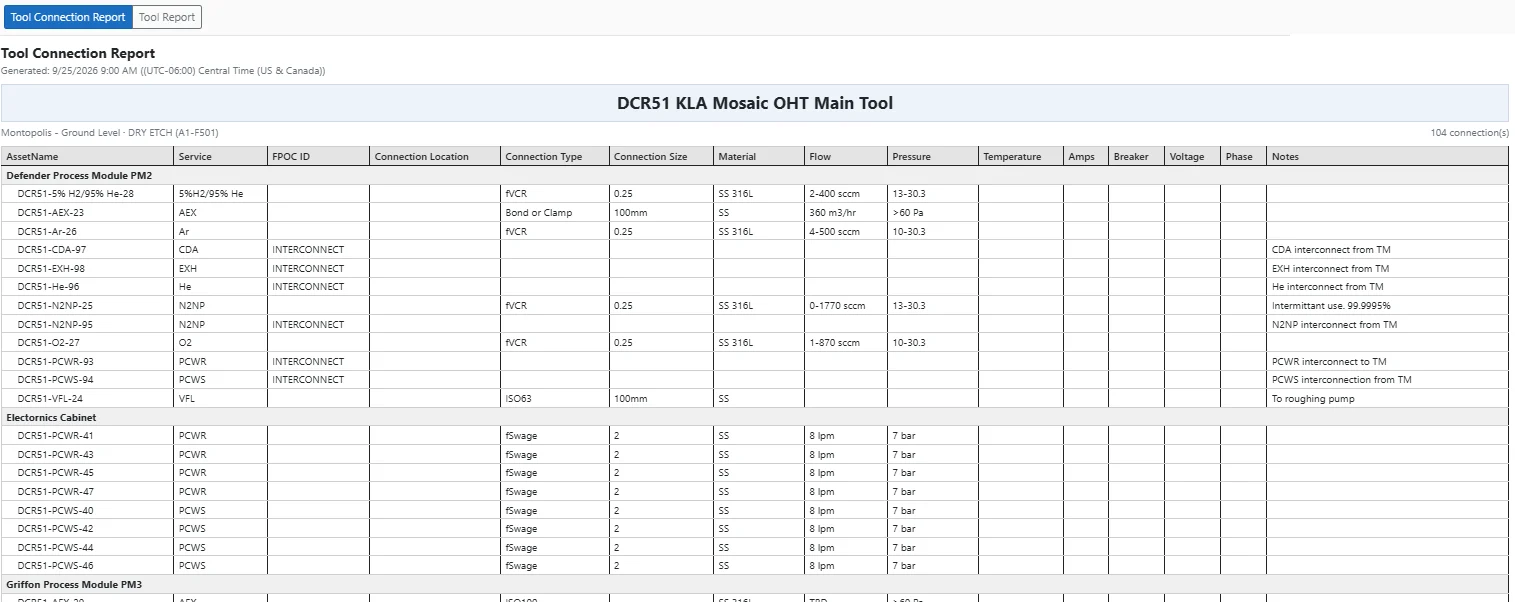
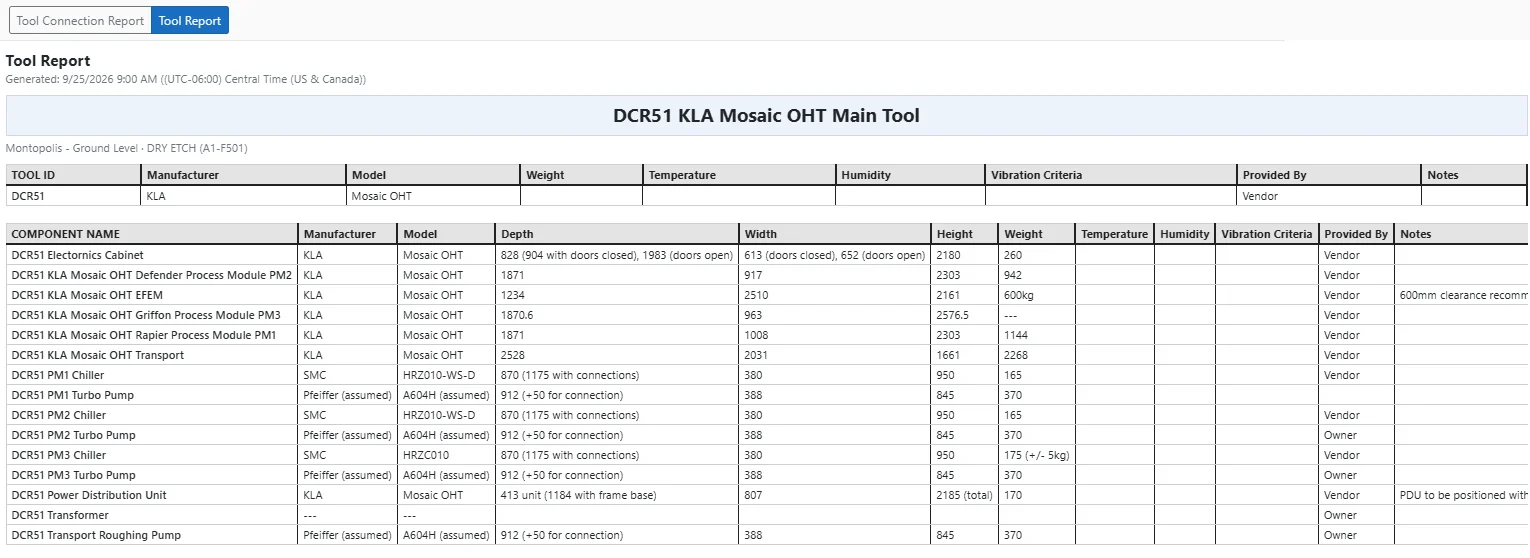
- Tool, connection and distribution reports by building or service
Facilities environment
For campuses, labs and operating buildings.
- Spaces organized by building and level, with room data
- Flexible equipment and asset tracking of any type
- Systems and groupings tied to the spaces they serve
Connected to the systems you already use
Your data - Your database
Each client runs on a dedicated SQL database. The model is a view of the Owner record, managed and maintained by your team with support from the Intemation team.
Revit and Autodesk Forma
Models linked to their database records and viewable in the browser.
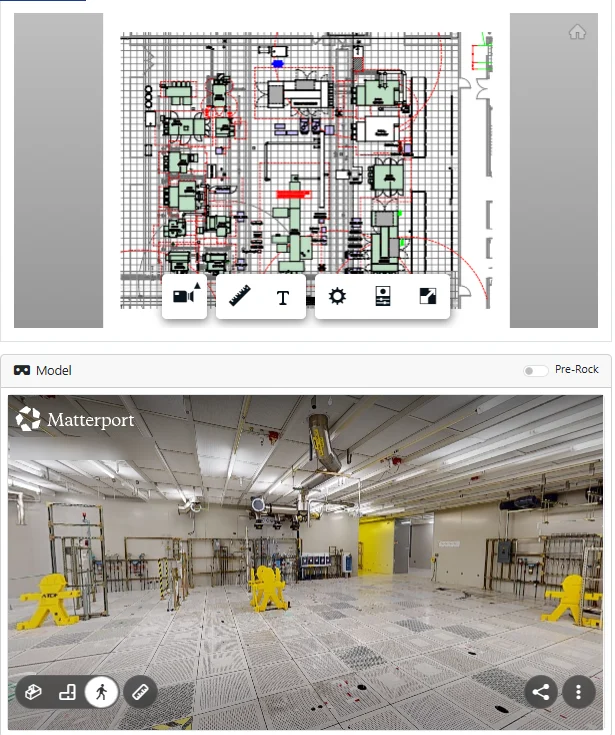
Matterport
Walk a space in its 3D scan while its data sits alongside.
Reports
Generated live from your data and exported to PDF or Excel.
How we work with you
-
Connect
Stand up your environment, link your ACC project and models, and load existing data.
-
Build
Work alongside Owner, GC and Engineering teams through design and tool install.
-
Turn over
Your operations team starts Day One with a complete, connected record.
See it with your project in mind
We'll walk through your turnover goals and show how OwnerCDE fits the way your project is delivered.